Every enquiry.
A step forward.
Keep plot enquiries moving in one shared WhatsApp inbox. Your team can see the buyer’s conversation and pick up the next call or site visit with the context at hand.
Start by email. We’ll review your WhatsApp setup.
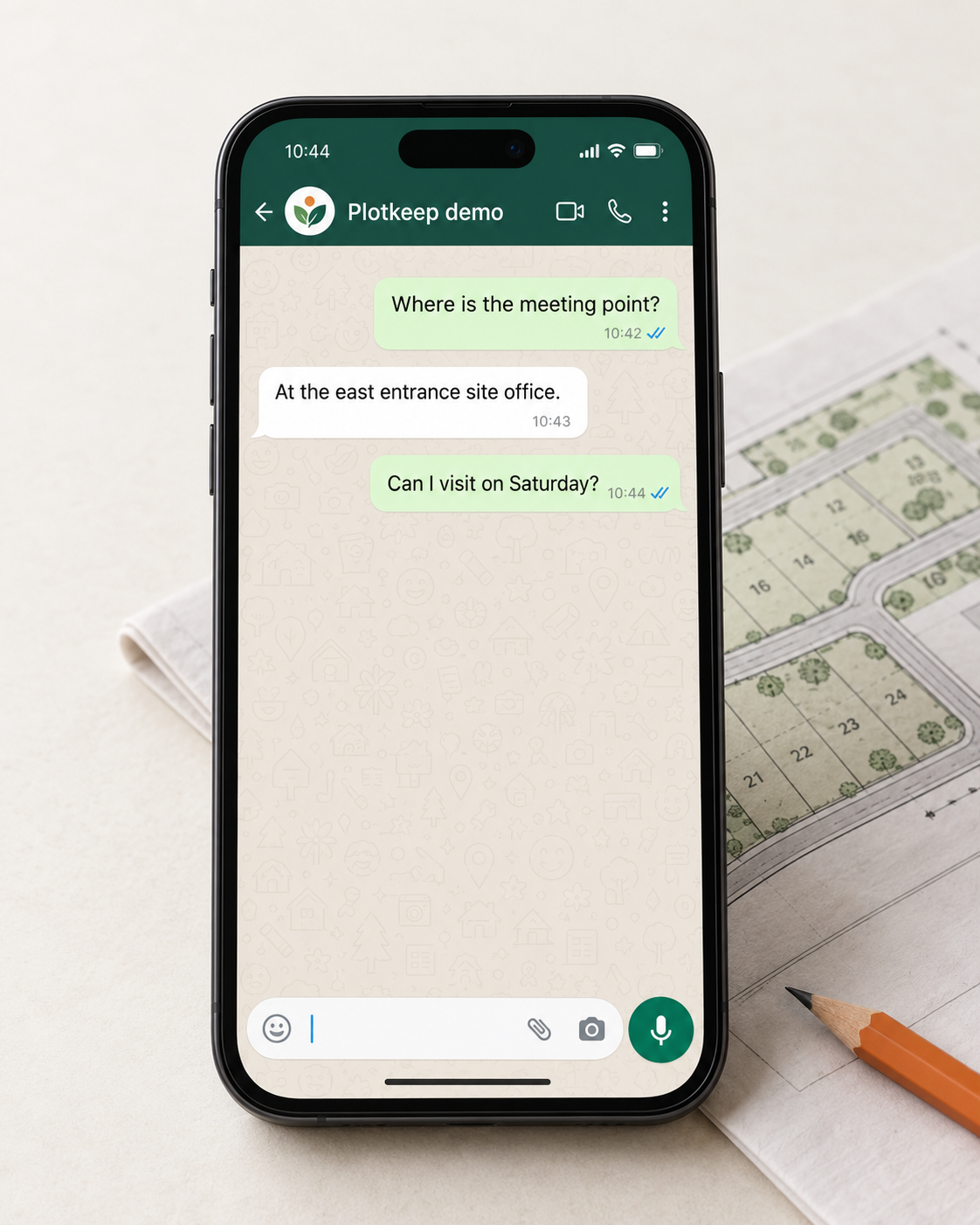
The enquiry is just the beginning
Your next buyer.
Already in the conversation.
Bring a Facebook enquiry into the CRM, then continue on WhatsApp with the property information you’ve supplied. Your team can pick up the conversation whenever it needs a person.
Example: a buyer enquires about the plotted layout in your Facebook ad.
Illustrative flow. Connect your lead form and WhatsApp sender first; buyer permission and template rules apply.
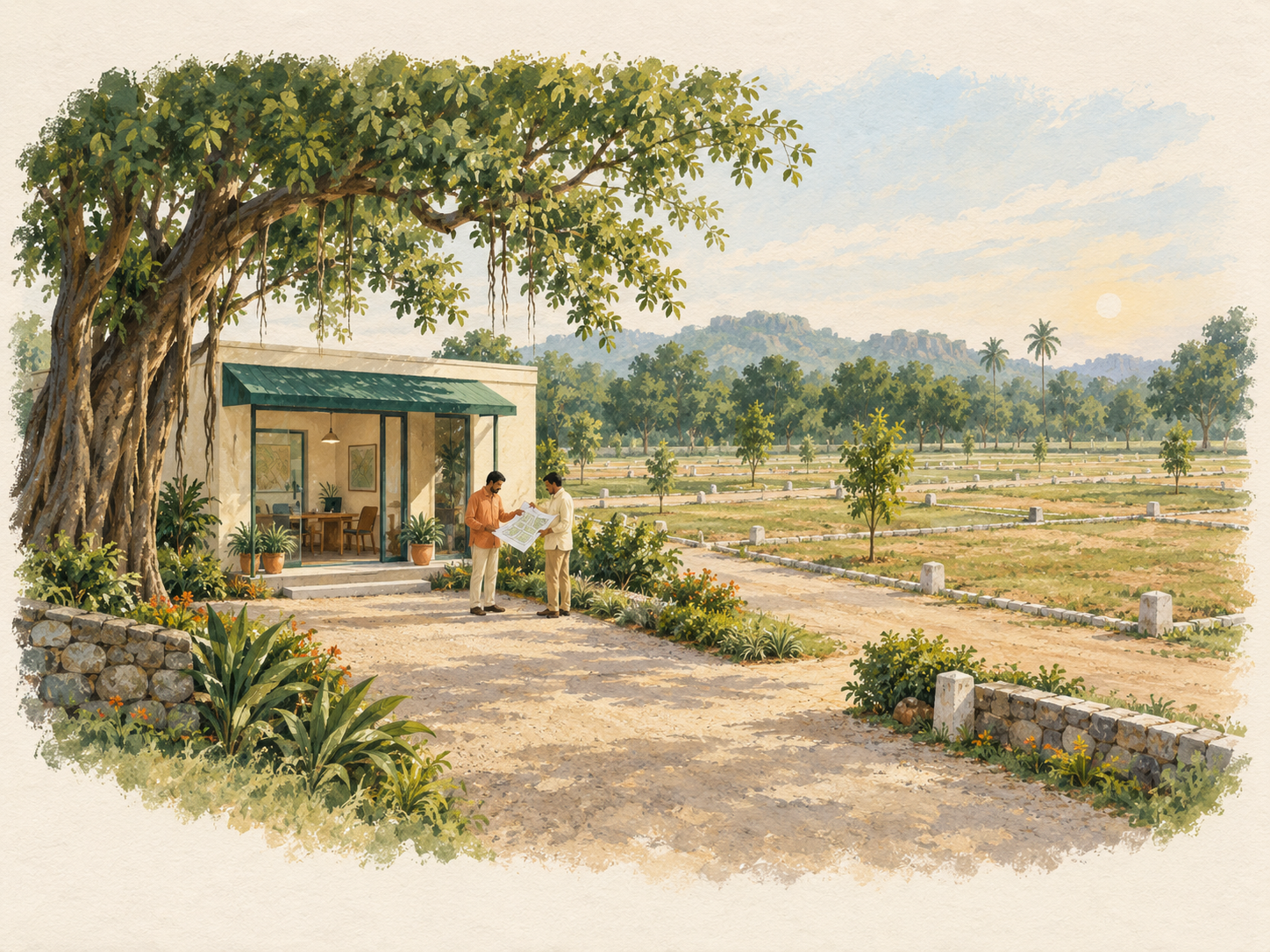
Keep the conversation moving.
Step in whenever you need.
Routine replies
Use the property FAQ you provide for everyday questions. Anything outside it goes to your team.
Your team
Handles visit requests and price discussions, with the buyer’s conversation available when it’s time to reply.
Take over any conversation. Automated replies wait until you hand it back.
A few things
before you start.
What do I need to connect?
A suitable WhatsApp business account and sender, buyer permission, and approved templates where required. We review your existing number before changes. Messaging follows WhatsApp’s policy; activation depends on account readiness.
What happens when a buyer replies?
Configured no-reply outreach stops. The conversation continues with its current handler. Your team can pause outreach separately from taking over automated replies; opt-outs stop automated contact.
Can replies check prices or book a visit?
No. Automated replies use your written FAQ. Prices, visit requests and questions outside it go to a person. It doesn’t read live plot availability.
How do I know a message arrived?
Queued, sent, delivered and read are distinct states. The CRM shows reported outcomes; a queued message is not proof of delivery. Failed or uncertain sends need review.
Which plan includes automated replies?
The proposed Growth plan adds automated follow-up and a reply allowance. Essentials retains the core shared workflow. See Pricing; final amounts and allowances remain open.
Your next enquiry.
A clearer next step.
Tell us how your team handles plot enquiries today. We’ll review your WhatsApp setup and discuss where follow-up gets stuck.
Read the follow-up guide